JPG to SVG
Learn why JPG-to-SVG conversion is difficult, when it can still help, and why photos usually should remain raster images.
Quick Summary
- JPG-to-SVG conversion is usually poor for photos because photographs contain many colors, textures, and soft transitions.
- JPG can work as a source when it contains a simple logo, mark, drawing, or high-contrast graphic.
- If the JPG is photographic, WebP or JPG is usually a better production format than SVG.
- Category
- Conversion
- Difficulty
- Beginner
- Reading Time
- 6 min
- Related Tool
- Image to SVG
- Best For
- Simple marks, High-contrast drawings, Logo previews
- Avoid For
- Photos, Textures, Complex lighting
Introduction
JPG-to-SVG conversion is one of the most misunderstood SVG workflows. JPG is often associated with photographs, and photographs are usually not good SVG candidates. SVG can represent shapes well, but it is not designed to efficiently reproduce every pixel, color transition, and texture in a photo.
That does not mean a JPG file can never become SVG. The file extension is less important than the image content. A simple black logo saved as JPG may convert well. A detailed portrait saved as JPG almost certainly should not become SVG.
This guide explains how to evaluate a JPG before tracing it.
Why JPG tracing is difficult
JPG is a lossy raster format. It compresses visual detail by introducing approximations. Those compression artifacts can become a problem during tracing because the converter may interpret noise, color blocks, or soft edges as meaningful shapes.
The more photographic the image is, the more paths a traced SVG may need. That can make the SVG larger than the original JPG and slower to render. It can also make the image look posterized or simplified.
Compression artifacts that tracing can amplify
JPG artifacts are not merely cosmetic during vectorization. They can change the geometry that the tracer detects:
- Ringing: light or dark ripples around a sharp edge can become nested paths.
- Blocking: square tonal regions from compression can be interpreted as separate shapes.
- Chroma bleed: color leaking across an edge can shift the traced boundary.
- Softened corners: a crisp logo corner may become rounded or uneven.
Inspect these defects at a magnified scale before accepting the result. Increasing trace detail may reproduce more of the compression noise rather than restore the original artwork.
Which JPG files are suitable for SVG?
| JPG source | SVG suitability | Better option |
|---|---|---|
| Product photo | Low | Use optimized JPG or WebP. |
| Portrait or natural scene | Low | Use optimized JPG or WebP. |
| Simple logo saved as JPG | Medium to high | SVG may work if edges are clear. |
| High-contrast sketch | Medium | SVG may work after cleanup. |
| Screenshot saved as JPG | Low | Use PNG or WebP; avoid SVG tracing. |
| Text-heavy JPG | Low | Use real text or rebuild the graphic. |
For JPG files, the first question should be whether the image is actually shape-based. If it is not, tracing is usually the wrong workflow.
Real conversion example: logo saved as JPG
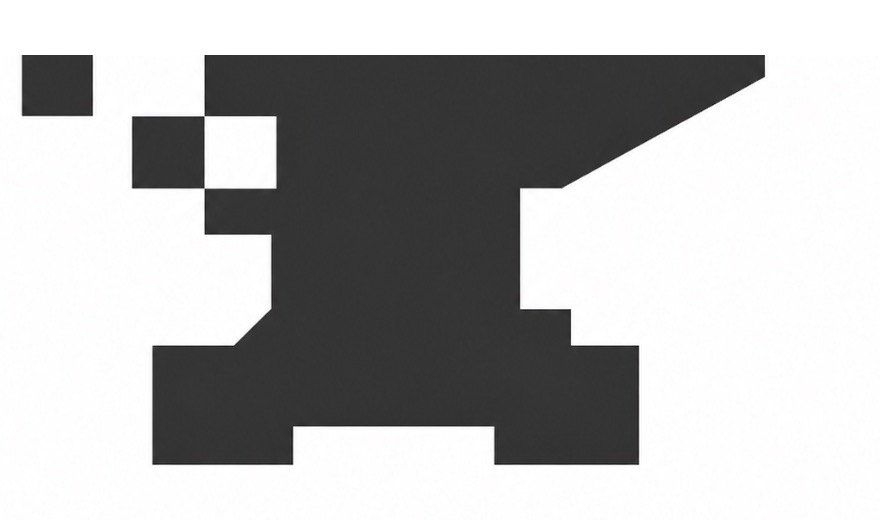
This logo is shape-based, but JPG compression has introduced soft edges and small tonal variations around the mark. Measured in SVGKIT on September 13, 2026, using the default Color mode, the output became smaller but required 73 paths to represent a simple silhouette.
Black-and-white logo with compression artifacts
The traced result is compact enough for web delivery, but SVGKIT interpreted the softened JPG edges as multiple paths. The previews crop unused canvas space only; the metrics describe the complete source and result files.

- Source
- 54,390 B
- SVG
- 7,220 B
- Paths
- 73
Measured: · Settings: Color / Original
Cropped previews. Downloads and byte counts refer to the full files.
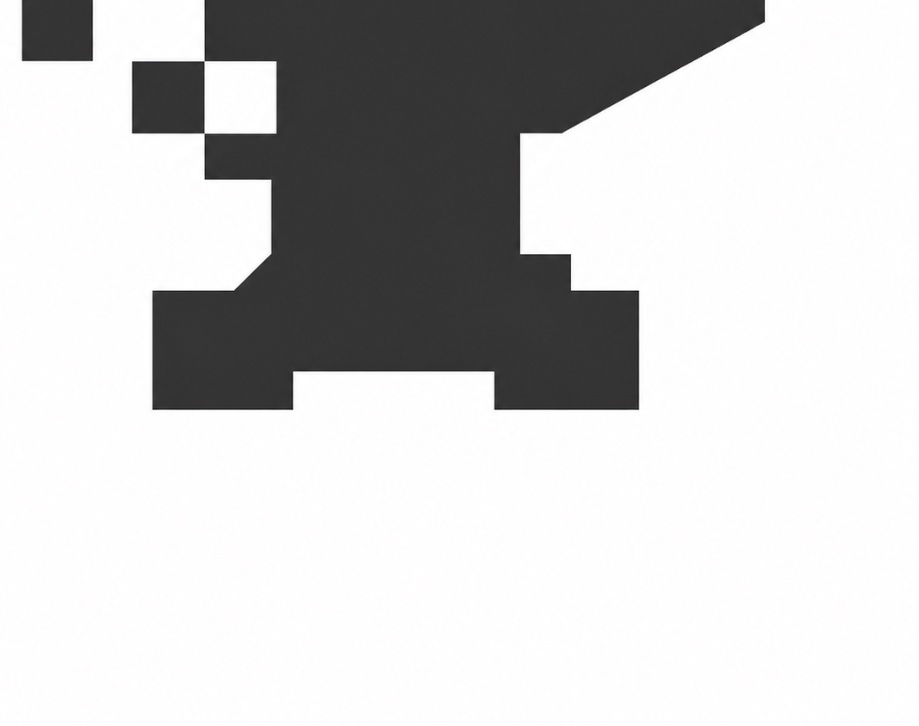

This example shows that a JPG can produce a useful SVG when its content is simple. File size alone is not enough to judge the result. Inspect corners, lettering, and curves at both the intended display size and a magnified view.
The result is about 86.7% smaller than this JPG, yet a visually simple mark still needs 73 paths because the source no longer has mathematically clean edges. Contrast that with the measured photograph example: its traced SVG grew from 295,982 to 1,905,984 bytes and required 11,508 paths. The two tests explain why JPG content, not the .jpg extension by itself, determines the outcome.
Common mistakes
Trying to vectorize a photo for smaller file size
A photo-like SVG can become larger than the original JPG. SVG is not a replacement for photographic compression.
Ignoring JPG artifacts
Compression blocks, ringing, and fuzzy edges can become extra paths. These artifacts may be invisible at a glance but expensive in SVG.
Increasing detail to recover a damaged edge
A higher-detail trace cannot reconstruct the original curve that JPG compression removed. It may capture the damage more precisely. Find a cleaner source or redraw the simple shape when brand accuracy matters.
Expecting editable design layers
A traced SVG does not recover the original design structure. It produces paths based on pixels.
Using SVG for images that need visual realism
If realism matters, keep the image raster. SVG tracing simplifies and abstracts.
Best practices
- Use JPG-to-SVG only for simple, graphic-like JPG files.
- Prefer a PNG or original design export when available.
- Avoid tracing photographs.
- Crop away irrelevant background areas.
- Use high-contrast sources when possible.
- Review generated paths and file size.
- Keep the JPG when visual detail matters more than scalability.
Practical workflow
- 1Identify whether the JPG is photo-like or shape-based.
- 2Reject photo-like inputs before tracing.
- 3Use the cleanest available source file.
- 4Convert only if the important content is simple and high contrast.
- 5Review the SVG for artifacts and excessive complexity.
- 6Review the final SVG; keep the JPG if the result is not useful.
SVGKIT Tip
SVGKIT Insight
FAQ
Can I convert a JPG photo to SVG?
You can trace it, but the result is usually not practical. A photo contains too much continuous detail for efficient SVG output.
Why does my JPG-to-SVG result look simplified?
Tracing turns pixels into shapes. Gradients, shadows, skin tones, and textures are approximated, not preserved exactly.
Is SVG better for SEO than JPG?
No format is automatically better for SEO. Use the format that best represents the content and loads efficiently.
Should I use JPG or WebP instead?
For photos, yes. WebP or optimized JPG is usually more appropriate than SVG.
When can JPG-to-SVG work?
It can work when the JPG contains a simple logo, symbol, sketch, or high-contrast graphic.
Testing a simple JPG mark?
Use Image to SVG only when the JPG contains a clear logo, sketch, or shape-based graphic. Keep photos as raster images.
Try Image to SVG